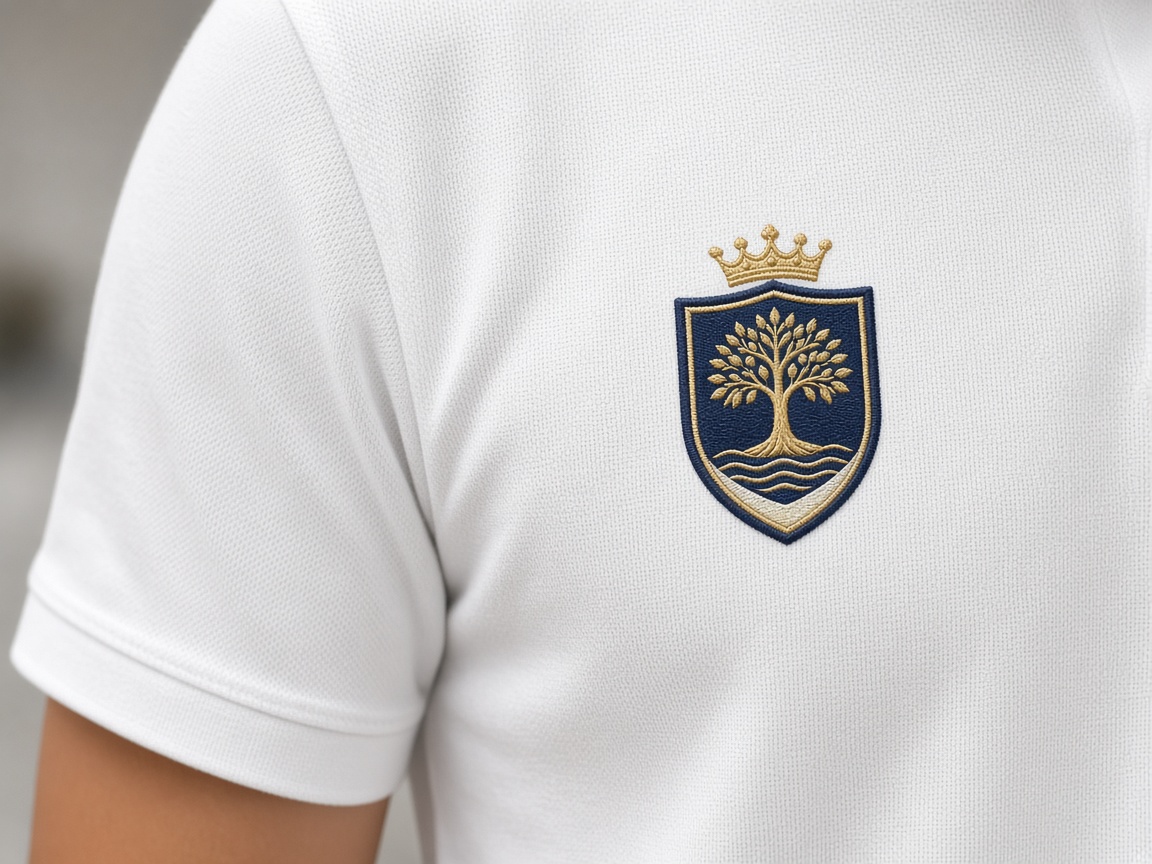
Thread pulls toward the center of a satin column as it sews. Without compensation, a circle finishes as an oval and a box loses its corners.
What pull compensation is
Every satin and fill tugs fabric as the needle locks. On a polo, that pull makes columns look thinner than they were drawn. Pull compensation is extra width the punch adds so the sewn column lands on the artwork outline — not inside it.
The amount depends on fabric. Pique and performance knits pull more than a stable twill. Amazing Punch sets compensation per object, not as a global slider copied from a cap file onto a shirt.
Push compensation and corners
Push is the opposite problem: stitches can overshoot the end of a column and make a letter look longer or a corner bulge. Push compensation shortens or tapers the end so the shape stays true after the hoop relaxes.
Circles, rounded badges, and small counters fail first. If a sew-out looks “almost right but fat in one direction,” it is usually pull/push, not a bad hoop.
Why one file cannot fix every garment
A left-chest file compensated for pique will look oversized on a stiff cap front, and a cap file will look skinny on a stretch polo. That is why Amazing Punch punches placement-specific files. Tell us fabric with the artwork so compensation is not a guess.
Related services
If this guide is for a job already in the hoop, these desks are usually the next click: