01
Finished sew-out
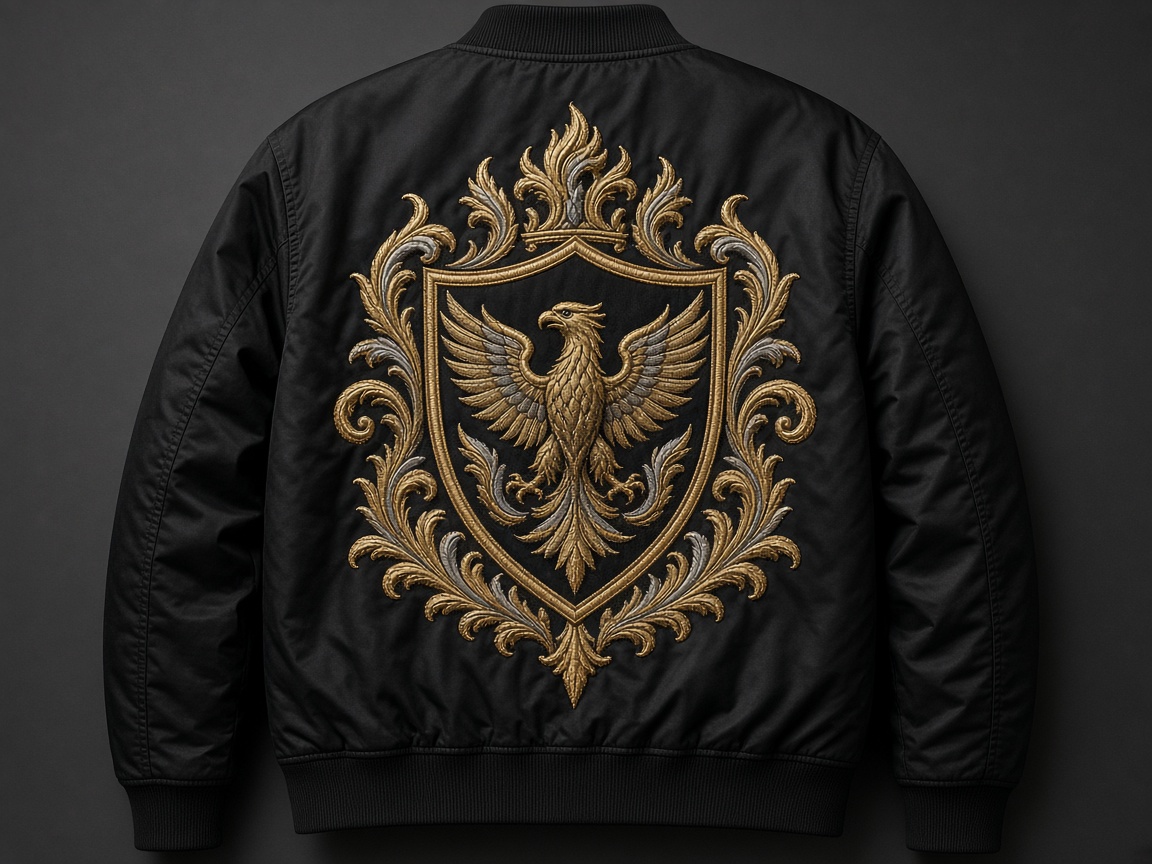
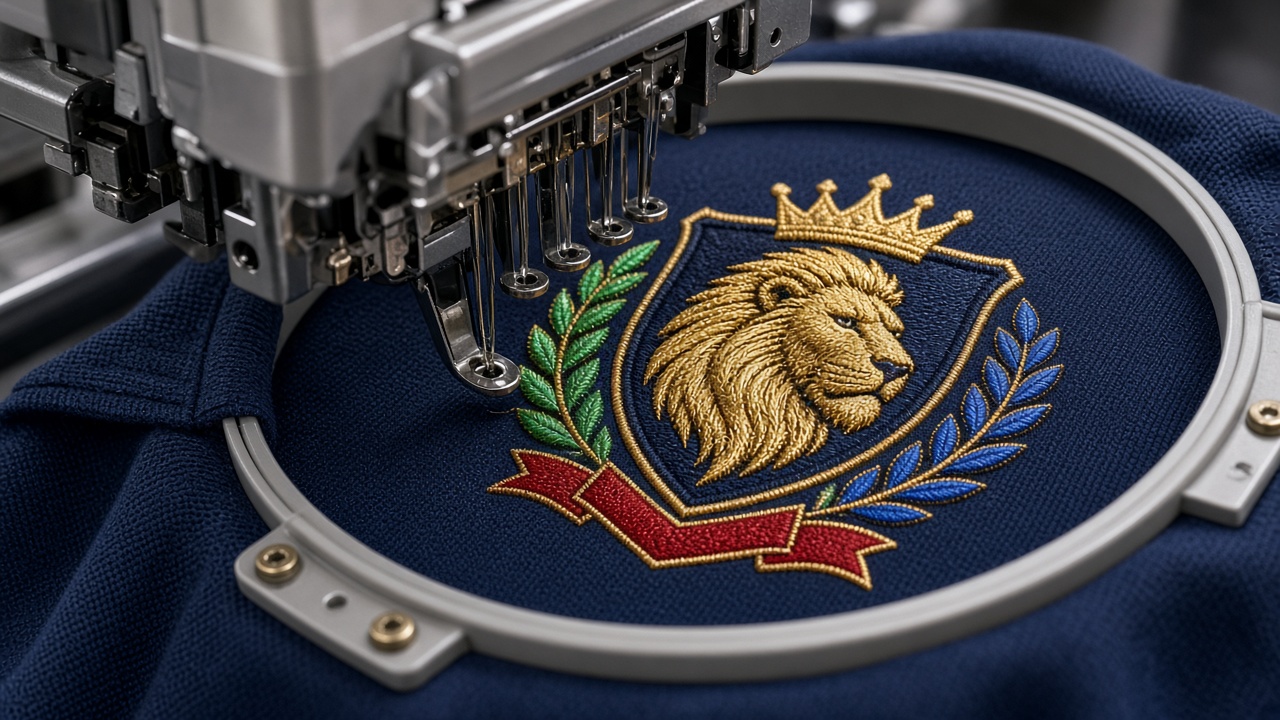
Thread on the garment. This is how pull, density, and compensation actually behave — not the software preview.
Home / Portfolio
Punch gallery
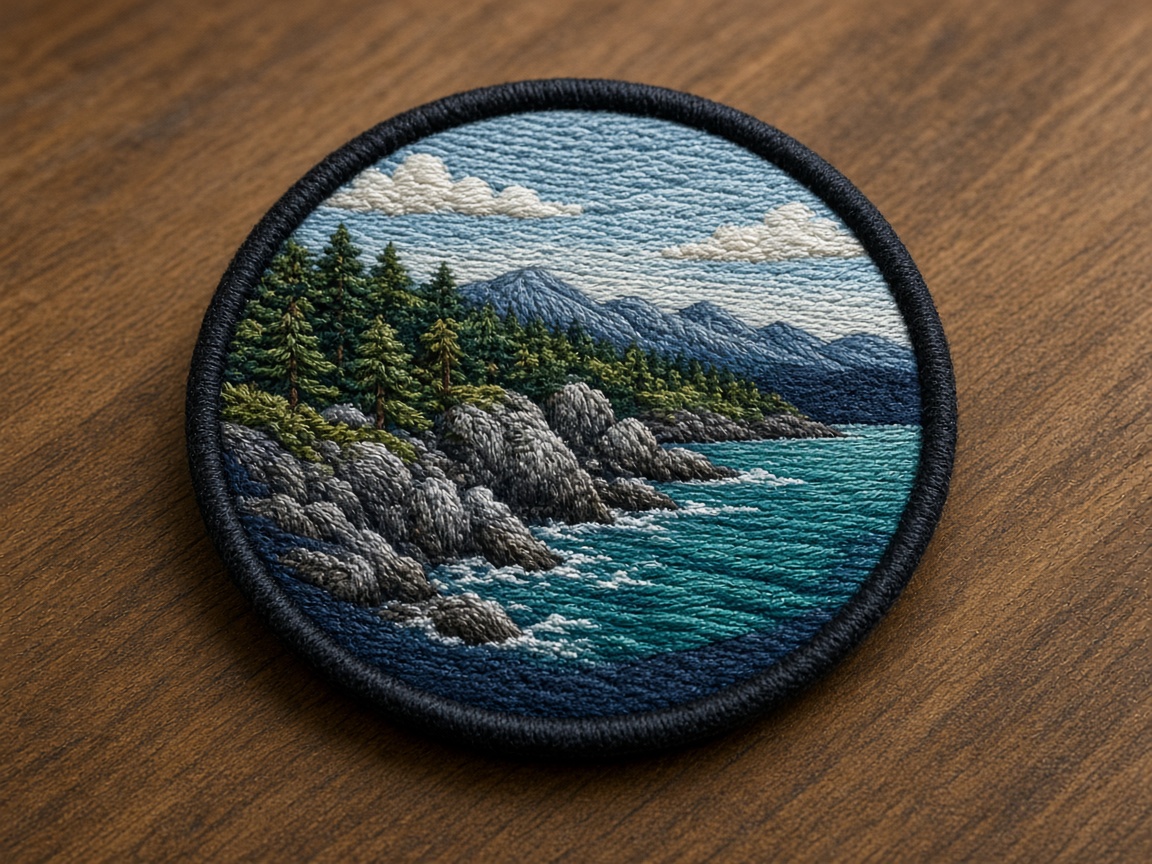
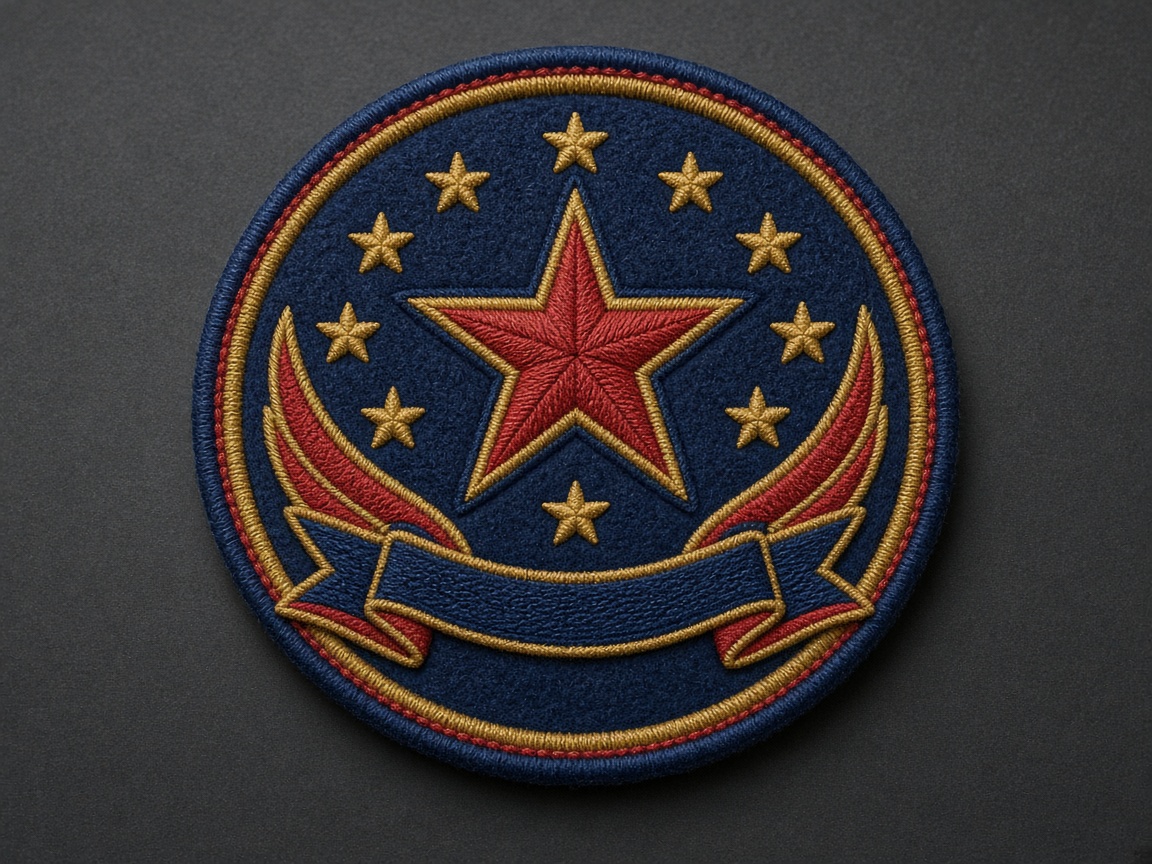
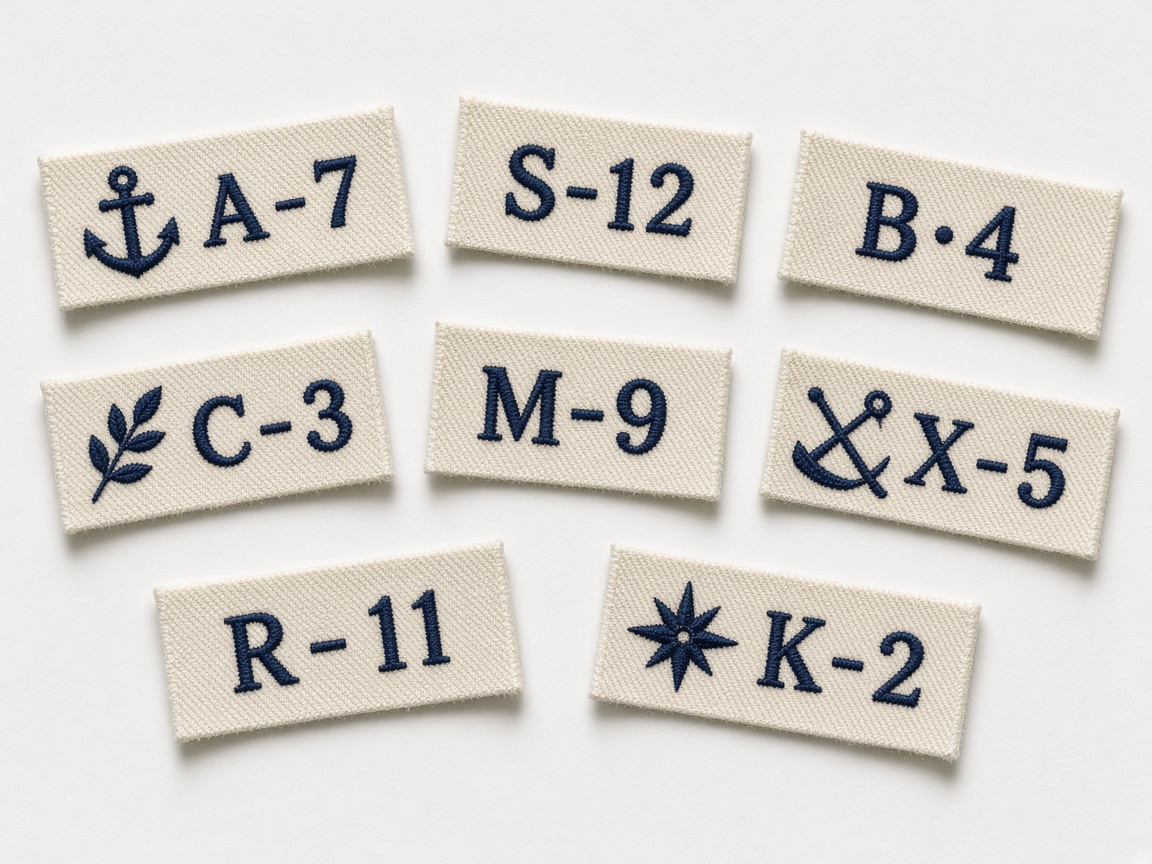
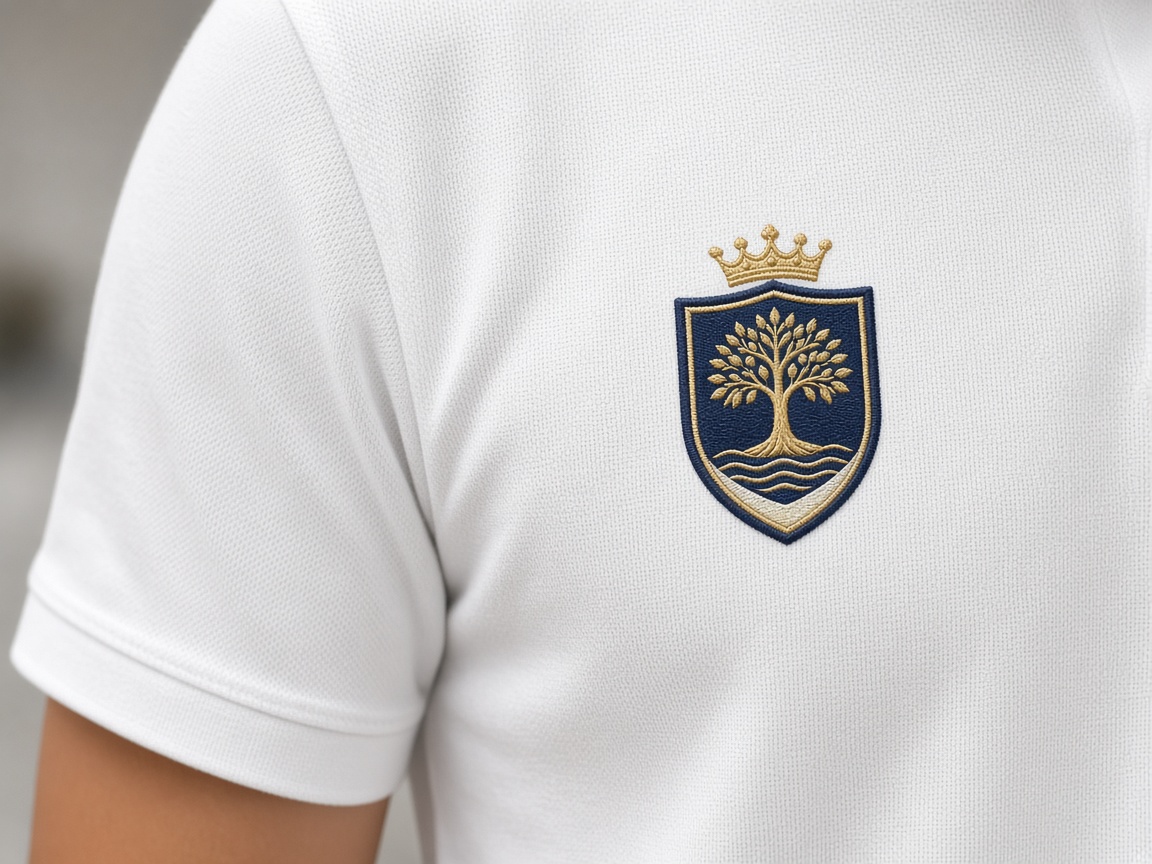
Fifteen study tabs — each with its own photo and mark. Open a heading to see how that file type or placement actually sews.
Study tabs
Showing 21 of 21
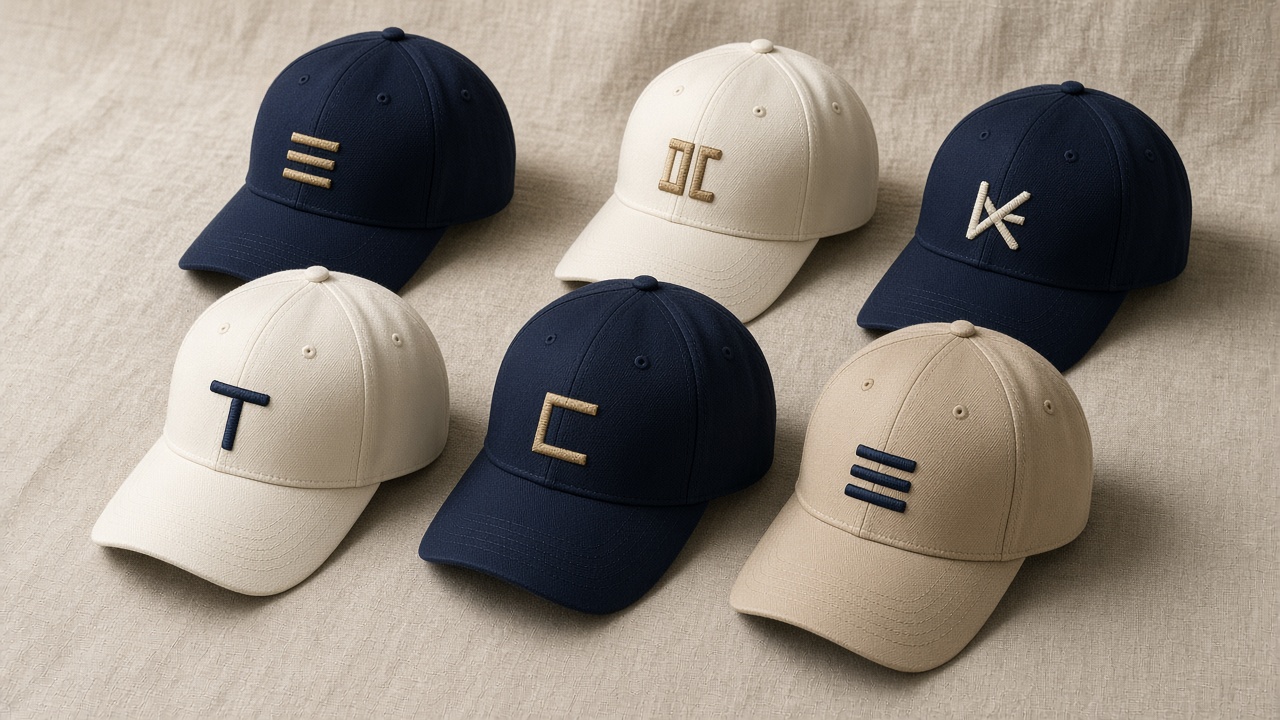

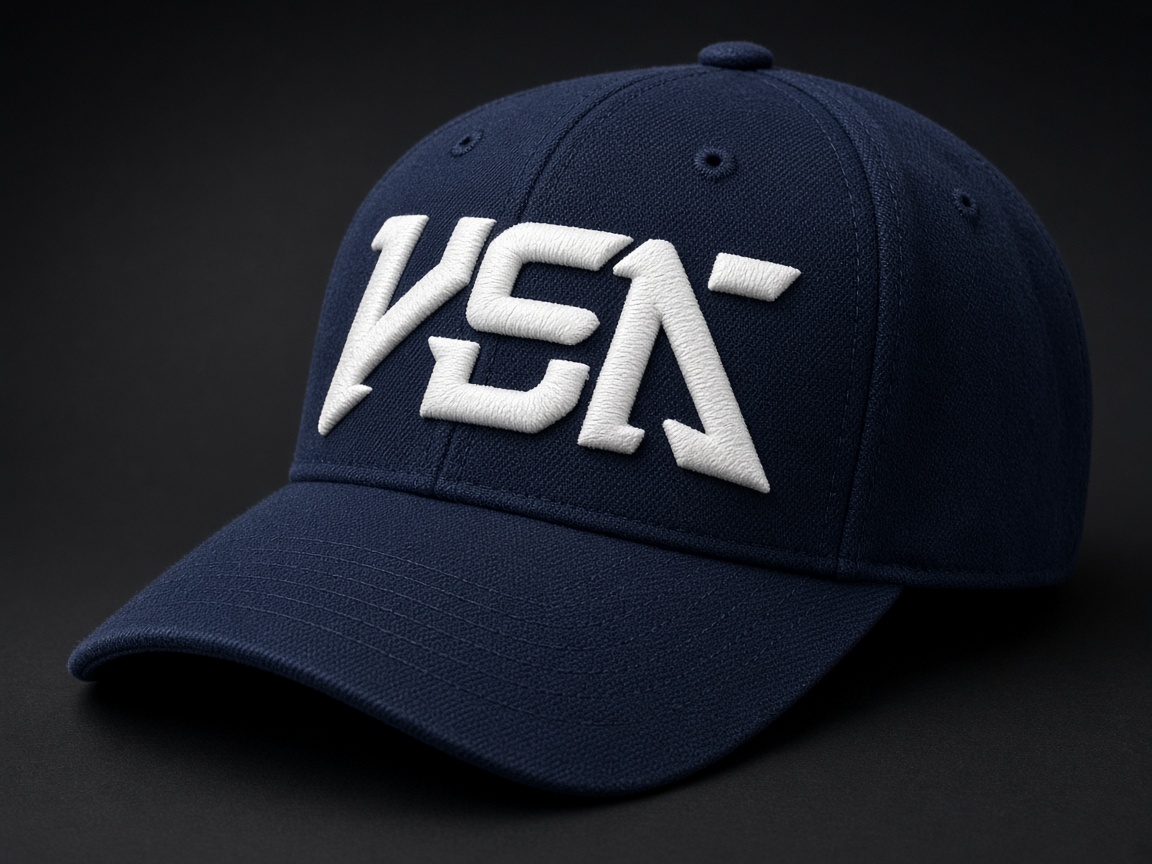


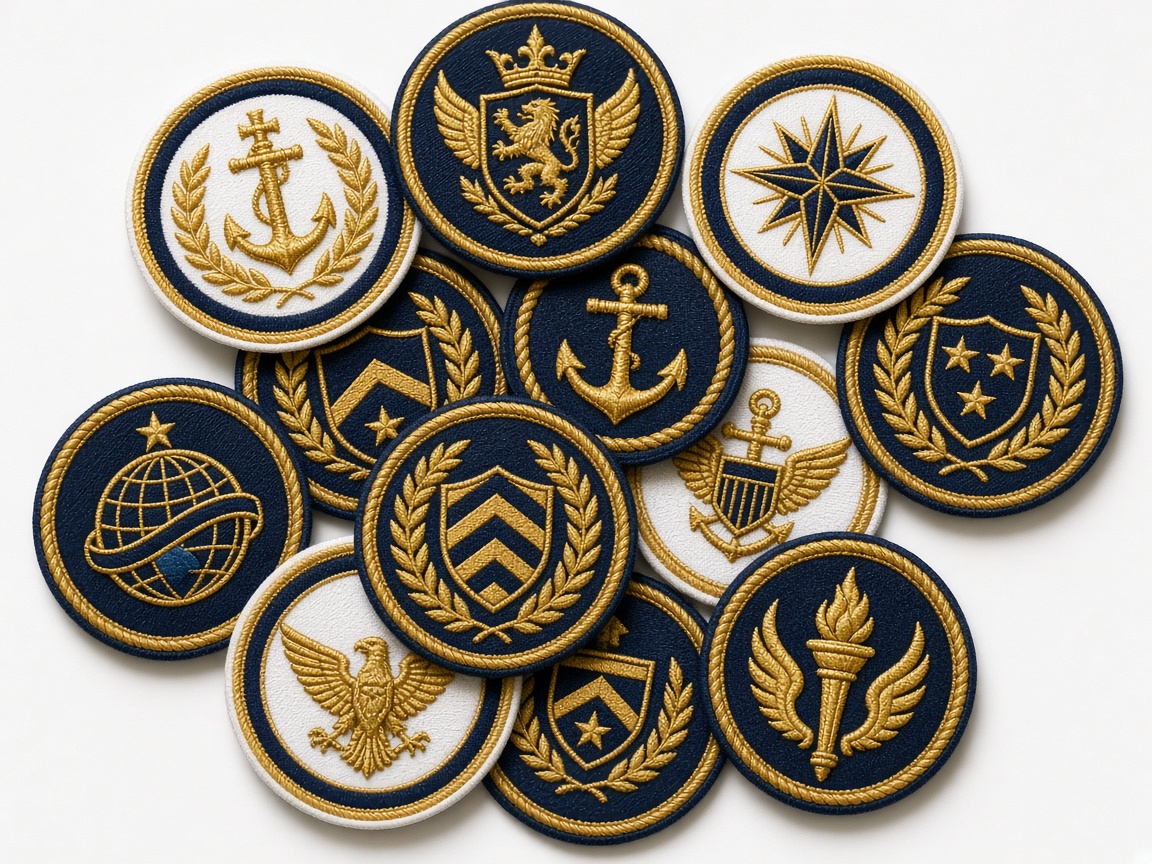







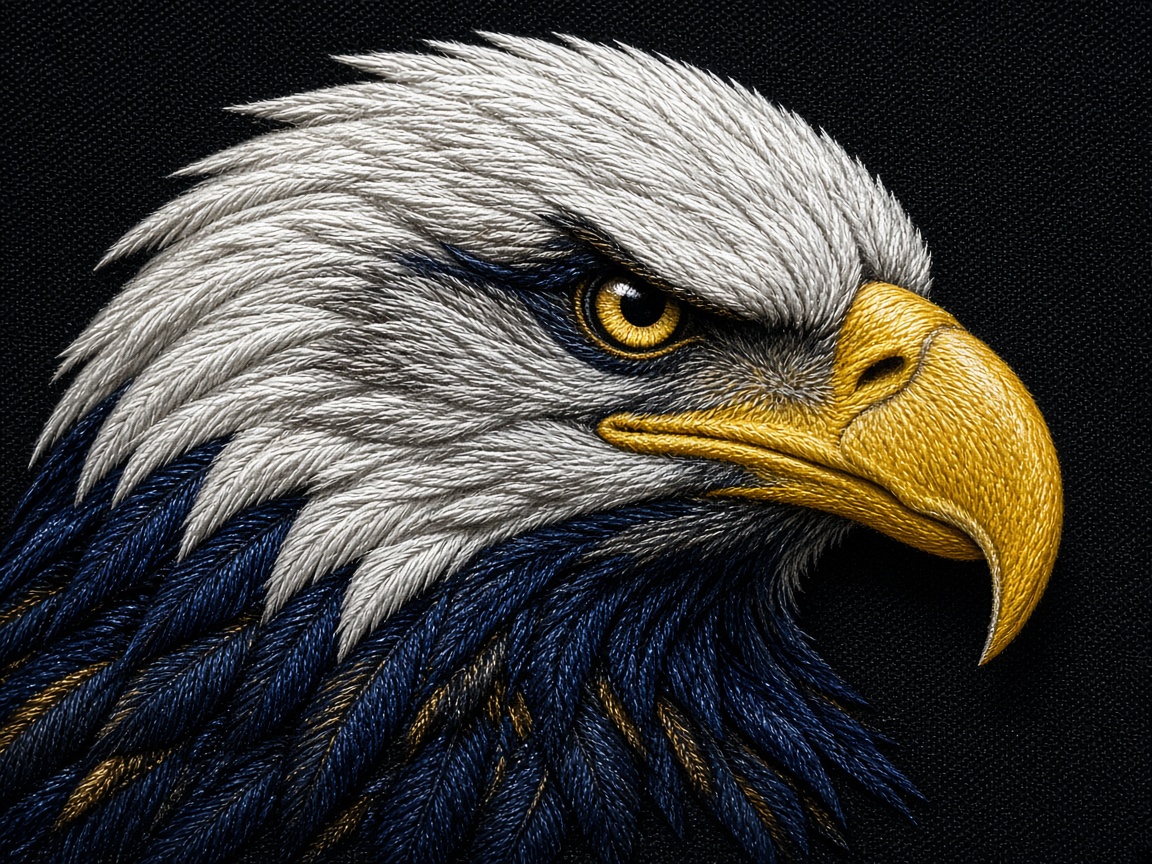

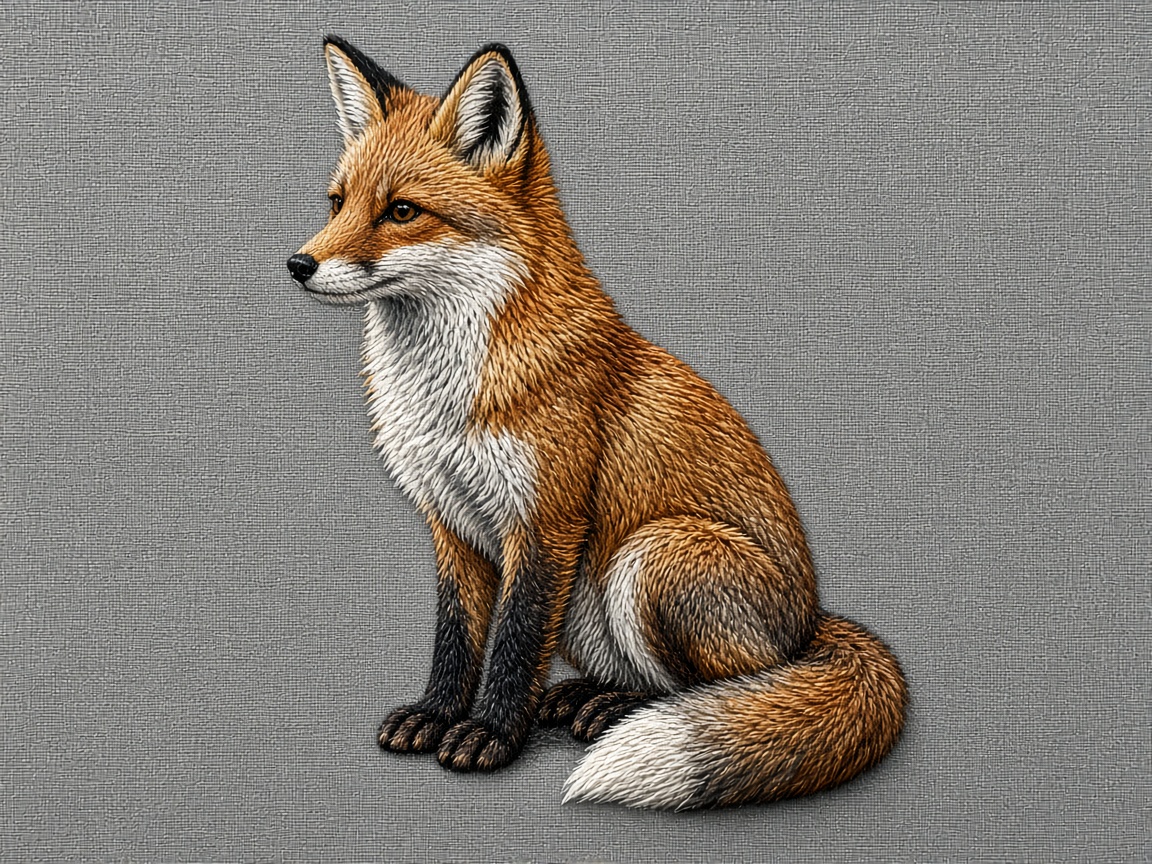

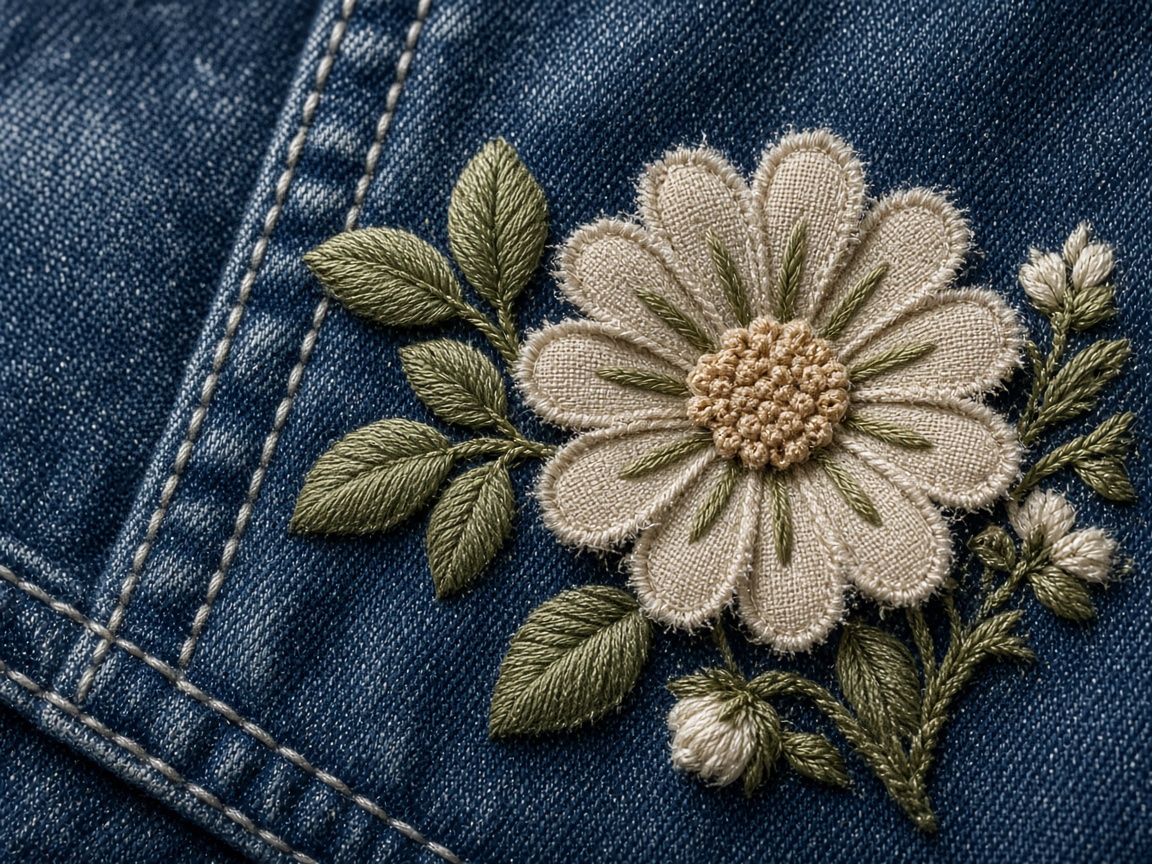


No studies in that combination. Clear a filter or send the artwork — we will punch a sample in that placement.
How to read a punch study
Thread on the garment. This is how pull, density, and compensation actually behave — not the software preview.
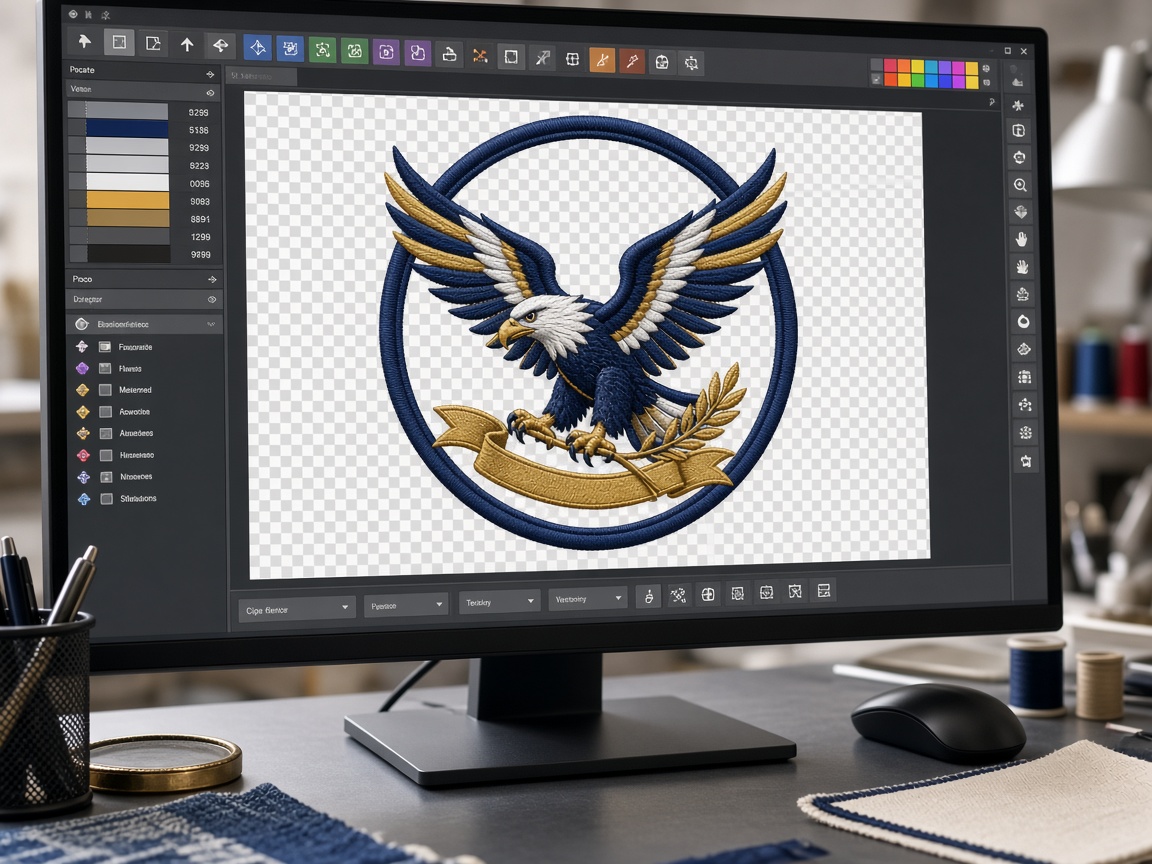
The object view on the punching monitor: sequence, travel, and color stops before DST or PES leaves the desk.
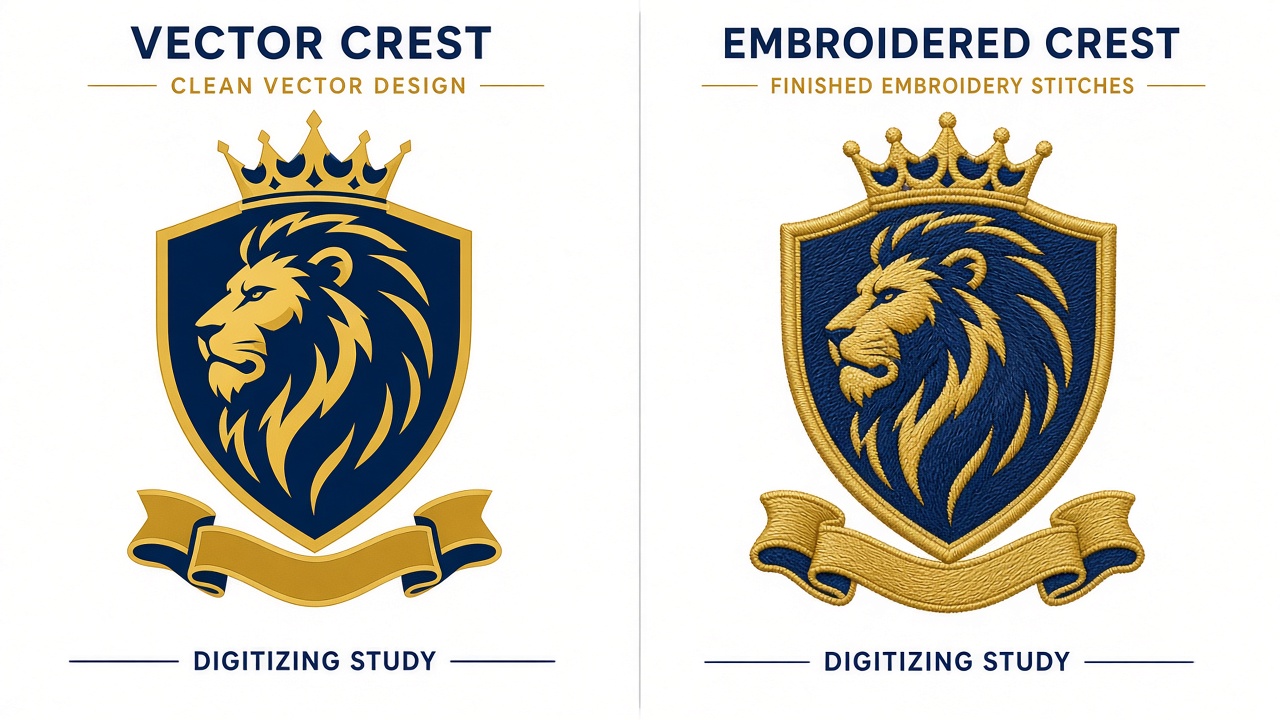
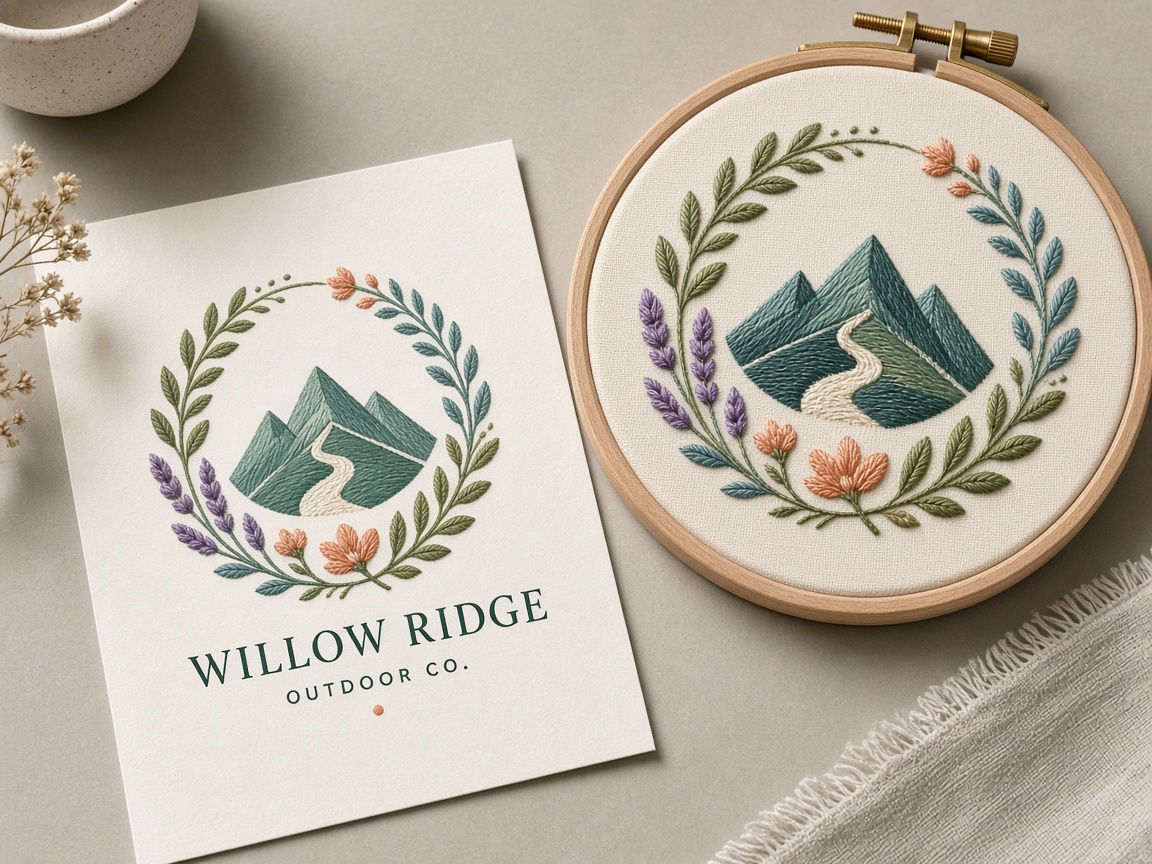
Artwork beside stitches. If the vector is noisy, the punch still has to decide legal satin width and what to drop at sew size.
Commission a similar file
Shops searching “embroidery digitizing portfolio” want proof the desk can handle caps, patches, and small type — not a stock collage. Attach your artwork with size, fabric, and format. If you need the same logo on a polo and a hat, that is two files: logo digitizing plus cap & hat digitizing. Related studies: 3D puff, patches, appliqué, and vector art conversion.