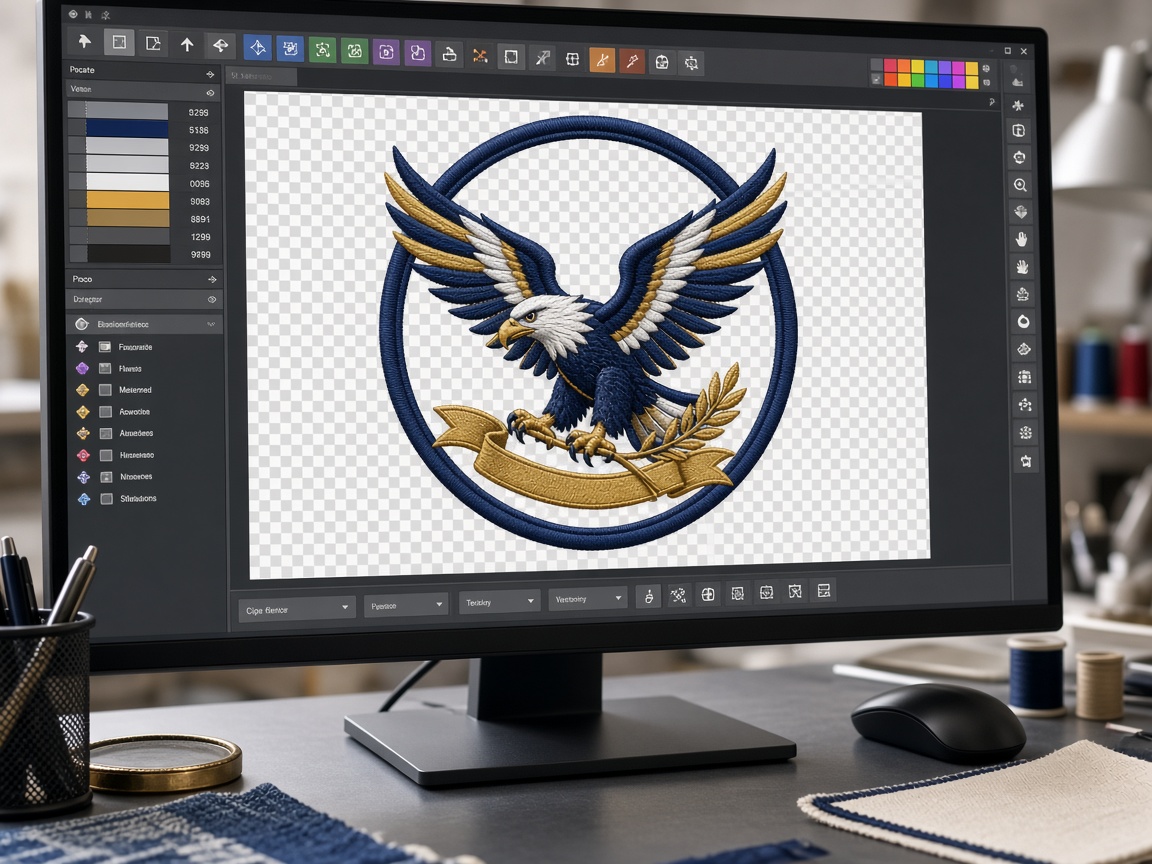
A working punch in professional software is not the same as the DST or PES your machine loads. The punch holds objects; the machine file is a stitch list.
Machine files versus native working files
When shops search “embroidery file formats,” they usually mean the file that loads on the head: DST, PES, EXP, and the rest. Those are stitch lists. A native working file (often EMB in Wilcom rooms) still holds objects, underlay choices, and compensations the digitizer can edit.
Amazing Punch punches in a working file, then exports the wrapper your machine actually reads. If you only send a DST back for a size change, density can break. Ask for an edit on the working file instead of scaling on the machine menu.
Which machine reads which format
DST (Tajima) is the common shop interchange format. Most commercial multi-needles open it. Color names are not stored the way a PES file can store them, so a color chart still matters.
PES is the usual ask for Brother and some Baby Lock rooms, especially single-needle and home-adjacent commercial heads. EXP is the Melco family. JEF is Janome. VP3 is Husqvarna Viking. XXX appears on Singer-class machines. HUS is older Husqvarna. EMB is a working file, not what most operators hoop.
Name the make on the Amazing Punch quote form. We will punch once and wrap the formats you run — including two wrappers in the same drop when a shop has mixed equipment.
What to write on the brief
“Any format” slows the desk and the operator. Write DST if the floor is Tajima-class, PES if the floor is Brother, or both if you hoop both. If you later buy a new head, conversion is possible, but a true resize still needs the working punch.
Related services
If this guide is for a job already in the hoop, these desks are usually the next click: